
ER Diagram to Image
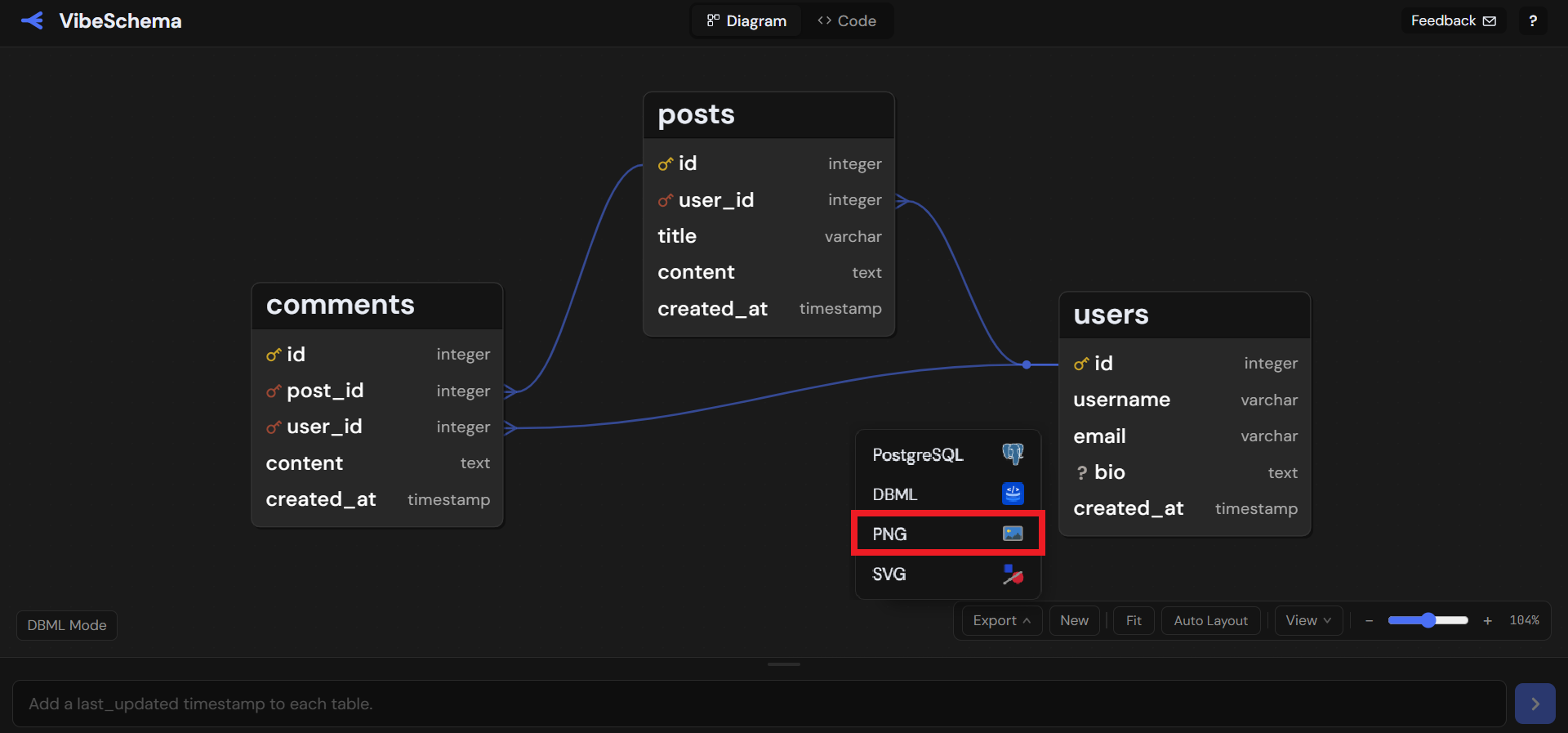
VibeSchema allows quick PNG and SVG exports of your ER diagram. Go to the editor to get started.
Open the ER diagram maker and export a clean PNG - free, no sign-up.
How It Works
-
Paste your schema. Have DBML? Paste it in the code panel. Starting from a PostgreSQL or MySQL database? Import your schema on those pages first. The auto-layout positions all tables automatically.
-
Tweak the layout (optional). Drag tables to rearrange, or toggle display options under Show like enum visibility or edges above tables.
-
Export as PNG or SVG. Hit Export → PNG (or SVG) to download a high-resolution image of exactly what you see.
Already have DBML and just need an image? The DBML to PNG and DBML to SVG tools let you paste your schema and export directly — no full editor needed.
Why Export an ER Diagram Image
Embedding an ER diagram image in your README, wiki, or design doc makes the data model immediately understandable to anyone on the team - no tool access required. A single PNG can replace pages of written explanation when onboarding new developers or reviewing a database design.
ER diagram images are also useful for architecture reviews, technical blog posts, and slide presentations. Because VibeSchema’s PNG export renders the full canvas at high resolution which adapts to the size of the actual schema, the output looks sharp for small and large schemas.
Free, No Sign-Up
VibeSchema is free to use. No account required. Open the ER diagram maker, paste or build your diagram, and download the image.
Ready to start? Open the ER diagram maker - free and no sign-up required.